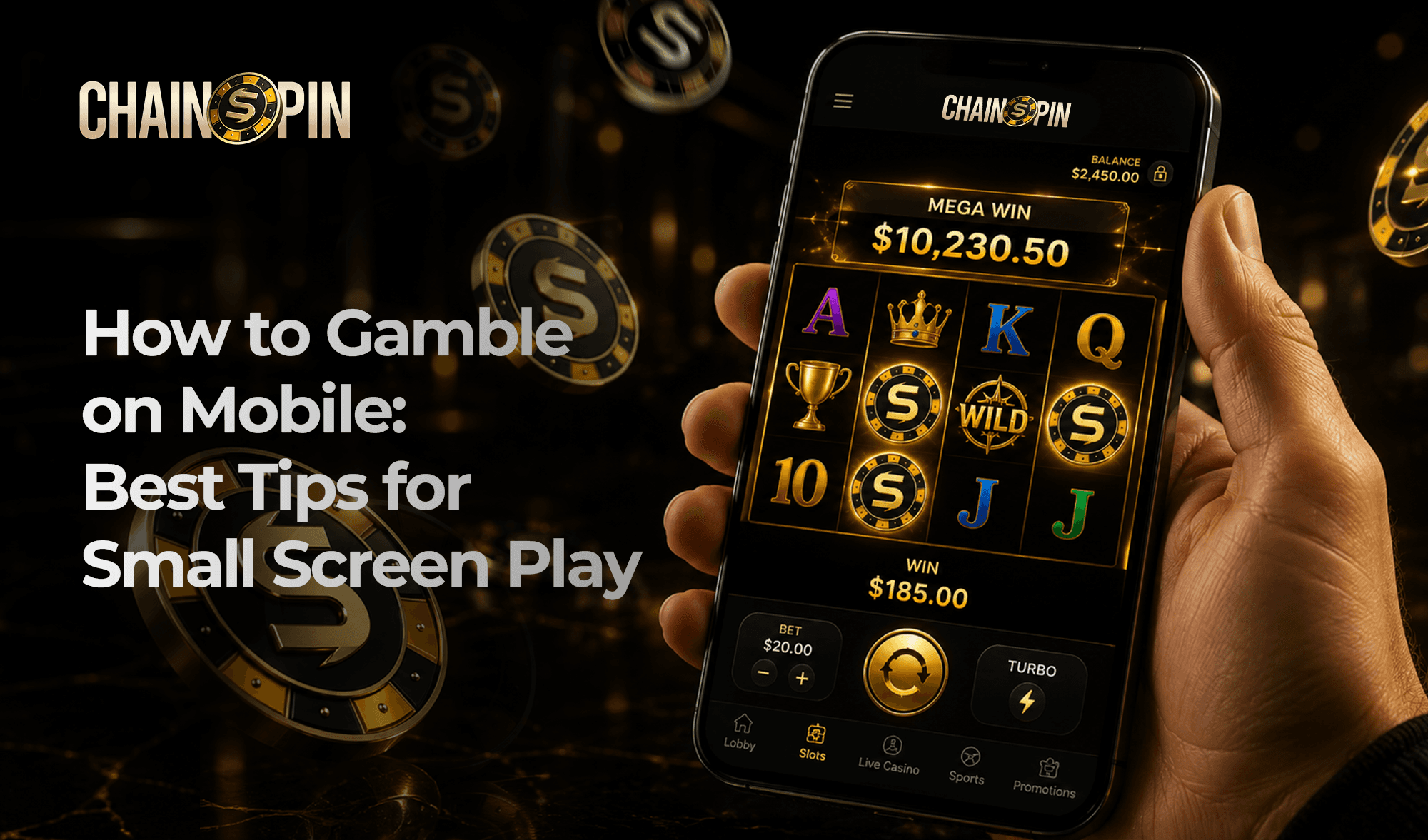
How to Gamble on Mobile: Getting the Best Experience on a Small Screen
May 27, 2026
Smartphones now account for nearly 80% of all online gambling users across multiple markets, and mobile wagering made up 66.3% of all stakes placed in 2024, according to the Danish Gambling Authority. Mobile gambling has shifted from a secondary option to the primary way most players access their accounts.
Despite this, many players use mobile devices without adjusting their setup to the smaller screen, slower connections, or different interface logic that mobile play involves. The result is a worse experience than the platform itself can deliver.
This article covers how to access a mobile casino, which devices and settings work best, how casino games and sports betting translate to mobile, and what practices keep the experience reliable and responsible.
Browser, App, or PWA: How to Access a Mobile Casino
There are three ways to access Chainspin on a mobile device, and each involves a different set of trade-offs.
Web Browser
The browser option requires no installation. Players open Chainspin in a mobile browser, and the platform’s responsive design adjusts automatically to the screen dimensions. This approach works across all devices and operating systems without consuming storage space.
Load times are marginally slower than a native app, though the difference is minor on a stable connection.
Native Mobile App
A dedicated app is installed directly on the device and optimized specifically for mobile hardware. Performance is generally faster, and apps support features like push notifications and biometric login that browsers cannot always replicate.
The trade-off is storage consumption and the need for periodic updates to stay current.
Progressive Web App (PWA)
A PWA sits between the two. It is accessed through a browser but can be added to the home screen and cached for faster load times. PWAs work partially offline and do not require app store approval, making them available in regions where native apps face distribution restrictions.
Smartphone vs. Tablet: Which Device Works Best for Mobile Gambling
The device used for mobile betting app play significantly affects screen real estate, interface legibility, and session comfort.

Smartphone
Smartphones are the most common choice by volume, given that most players already carry one. Screens typically range from 5 to 6.5 inches. The format is ideal for slots, quick sports bets, and short sessions, though live dealer tables and multi-market sportsbook views can feel cramped at smaller sizes.
Tablet
Tablets, with screen sizes from 7 to 12 inches, provide a considerably better view for live dealer games, roulette, and sportsbook interfaces with multiple simultaneous markets. The trade-off is portability. Tablets are practical for home use but less suited to genuinely on-the-go play.
iOS vs. Android
Both operating systems support full mobile casino functionality. iOS devices tend to offer tighter hardware-software integration and consistent performance across Apple’s device range. Android offers wider device compatibility and more flexibility around app installation sources, which can matter in jurisdictions where casino apps face app store restrictions.
Screen, Connection, and Battery: Optimizing Your Device for Mobile Play
Small adjustments to device settings can meaningfully improve the experience during a session.
- Adjust brightness in screen settings based on lighting to keep games and odds clearly visible without straining your eyes.
- Use portrait mode for browsing and switch to landscape for games and betting, and enable rotation lock to avoid accidental changes.
- Connect to WiFi whenever possible, as it provides a more stable experience than mobile data, especially for live games.
- Make sure your connection is strong enough, ideally around 4–6 Mbps, for smooth gameplay and streaming.
- Use battery saver mode if needed, or keep your device plugged in during longer sessions to avoid interruptions.
How to Gamble on Phone: A Step-by-Step Setup Guide
Step 1: Choose your access method. Open the Chainspin mobile site in a browser or install the app, depending on device and preference.
Step 2: Create an account. Sign up with an email address. The registration process on mobile mirrors the desktop flow and takes under two minutes.
Step 3: Deposit funds. Navigate to the payments section and select a cryptocurrency. Scanning the QR code from a mobile wallet is the fastest deposit method. Funds are credited within minutes on most networks.
Step 4: Navigate the interface. The mobile menu consolidates casino, sportsbook, and account sections into a single navigation structure. Spend a few minutes familiarizing with the layout before placing a first bet.
Step 5: Set session limits. Before starting play, configure deposit and loss limits in the account settings. This step takes less than a minute and is the single most effective responsible gambling action available before a session begins.
Step 6: Place your first bet. Select a game or sports event, enter a stake amount, and confirm. The mobile interface is designed for single-hand operation, with large tap targets and minimal required input.
Casino Games That Work Best on a Small Screen
Not every casino format translates equally well to a phone screen, and it’s worth knowing the differences before sitting down.
- Slots: The natural mobile fit. Vertical reel layouts align with portrait orientation, controls are minimal, and crypto slots load fast enough for sessions between other things.
- Blackjack: Compact interface, large tap targets for hit, stand, double, and split. One of the more comfortable table games to play on a small screen.
- Roulette: Works best in landscape, where the betting grid has more room. Portrait mode feels cramped, though pinch-to-zoom manages it.
- Live dealer games: Fully playable on mobile, but the most demanding format. HD streaming needs a stable WiFi connection and at least 5 Mbps. On a tablet with a good signal, live dealer games are excellent. On a smaller phone with a weak connection, expect friction.
- Video poker: A simple, low-friction format that translates well to mobile. The interface is clean, decisions are quick, and the pace suits shorter sessions without feeling rushed.
- Sports betting: The crypto sportsbook is built for mobile use. Search and filters help find markets fast, and tapping expands odds. Landscape mode improves visibility, especially for larger listings. Live betting is where mobile stands out, with real-time odds and fast bet placement in just a few taps.
Depositing and Withdrawing Crypto on Mobile
MetaMask, Trust Wallet, and Coinbase Wallet are the most commonly used options for deposits and withdrawals. All of them work smoothly with browser-based casino sessions, either through WalletConnect or by entering a wallet address directly.
For deposits, you can scan a QR code from your wallet app or copy the address. Transaction speed depends on the network. E.g., SOL or USDT on Tron usually processes faster, especially for smaller amounts.
Withdrawals follow the same process in reverse. Enter your wallet address, confirm the transaction, and the funds are sent. Before confirming, always double-check the first and last characters of the address. Blockchain transactions can’t be reversed, and small copy-paste mistakes on mobile are a common issue.
Push Notifications, One-Touch Betting, and Other Mobile Features
A few things are genuinely better on mobile than on desktop, and push notifications are the clearest example. Bet settlements, upcoming events, and bonus activations delivered to the lock screen mean staying informed without needing the app open. It’s a level of passive awareness that desktop browsers don’t replicate as cleanly.
One-touch betting, where pre-set stake amounts let you confirm a bet in two taps, is particularly useful during live events when odds shift quickly. Setting a default stake in account preferences makes this work without any friction.
Biometric login (Face ID or fingerprint) removes password entry entirely. It’s faster and more secure than typing credentials.
Responsible Gambling on Mobile: Limits, Breaks, and Safety Tools
Mobile makes it easy to start playing, so it’s worth setting limits beforehand. On Chainspin, deposit limits, loss limits, and session reminders are all available on mobile and are best set before you begin.
It’s also easy to lose track of time. Without a clear stopping point, sessions can run longer than planned, so setting a time or loss limit helps keep things under control.
Chasing losses rarely works. If a session isn’t going well, it’s usually better to stop and come back later.
If it stops feeling like entertainment, you can step back anytime. Self-exclusion is available in settings, and Chainspin support is available 24/7.
Getting Started on Mobile Gambling
Mobile gambling works best when the setup is deliberate. Choose the right access method, get the connection and orientation settings right, research which games suit the format, and your experience will be just as good as on a desktop.
If you’re new to Chainspin, creating an account takes a few minutes and gives you immediate access to the full casino and sportsbook from any device. Take advantage of the welcome bonus available on your first deposit and explore the mobile experience before committing a larger bankroll.
Frequently Asked Questions about Mobile Gambling
Is mobile gambling safe?
Mobile gambling on a licensed, reputable platform is safe. Chainspin uses HTTPS encryption and two-factor authentication across all accounts. The main mobile-specific risk is using unsecured public WiFi, which can expose login credentials. A private connection and a strong device passcode are the two things that address that risk most directly.
What is the best mobile device for gambling?
A mid-range to high-end smartphone on iOS or Android handles all standard casino and sportsbook functions without issues. For live dealer games and multi-market sports betting, a tablet with a 10-inch or larger screen makes a noticeable difference in comfort. Device age matters more than brand — a three-year-old flagship typically outperforms a current budget model.
Can I play live dealer games on mobile?
Yes, though a stable connection of at least 5 Mbps download speed is recommended for consistent HD video. WiFi is strongly preferred over mobile data. Live dealer games work on both smartphones and tablets; tablets offer a better experience for longer sessions and more complex betting interfaces.
How do I deposit cryptocurrency on mobile?
Navigate to the payments section on Chainspin, select a cryptocurrency, and either scan the QR code with your mobile wallet or copy the deposit address. MetaMask, Trust Wallet, and Coinbase Wallet all support this flow. Most deposits confirm within a few minutes depending on the network.
Can I withdraw on mobile?
Yes. The withdrawal process on mobile mirrors the desktop version. Enter the destination wallet address, confirm the transaction, and funds are sent to the wallet. Always verify the address before confirming as blockchain transactions are irreversible.
Can I use the same account on mobile and desktop?
Yes. A Chainspin account works across all devices without separate registration. Balances, bet history, and account settings stay synchronized in real time.
How do I set limits on mobile?
Deposit, loss, and session time limits are configured in account settings, accessible from the main mobile menu. Chainspin’s responsible gambling controls take effect immediately or after a short cooling-off period, depending on the limit type.
What should I do if the app crashes?
Update to the latest version first; most crashes are resolved in updates. If the problem persists after updating, clear the app’s cache in device settings, reinstall the app, or contact Chainspin’s support team.